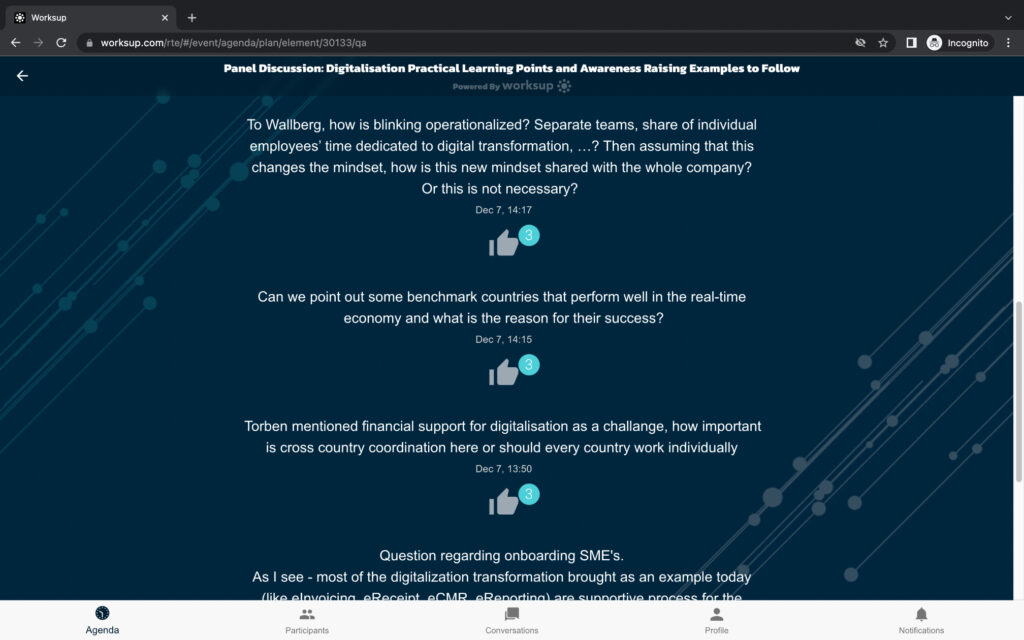
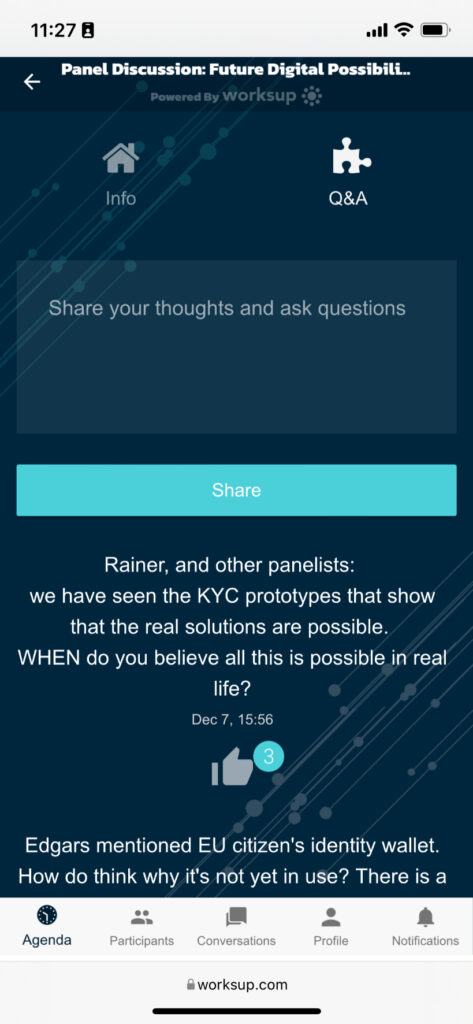
Q&A sessions allow the audience to dive deeper into certain topics, provide the opportunity to connect with a high profile speaker and ask questions that otherwise would never be asked
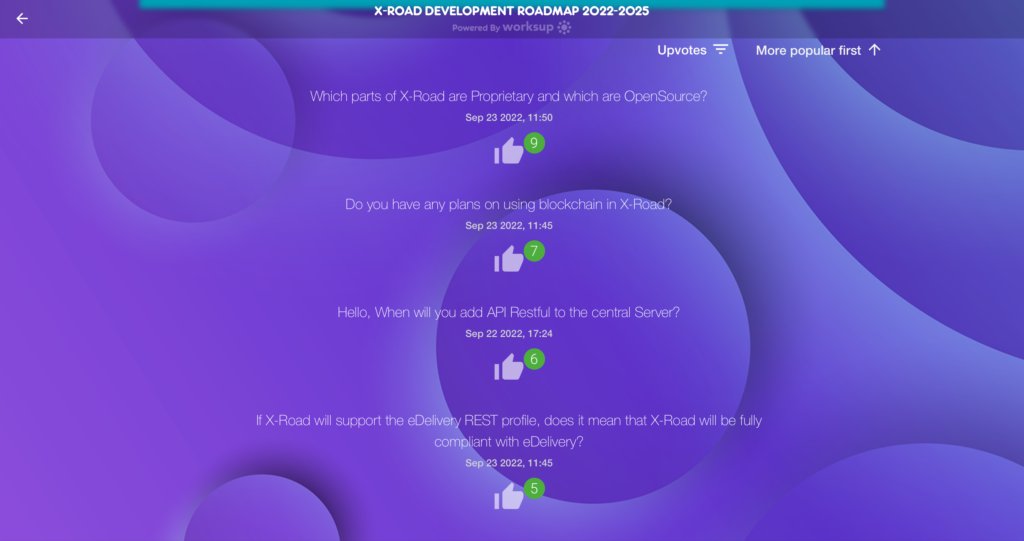
Let your attendees upvote questions to filter out the most relevant ones
Give everyone a chance to ask, even the shiest ones
It is known that people are already competitive by nature. Taking advantage of this feature, it’s a good idea to include a quiz in the event, why not with a prize?
Test your audience’s knowledge
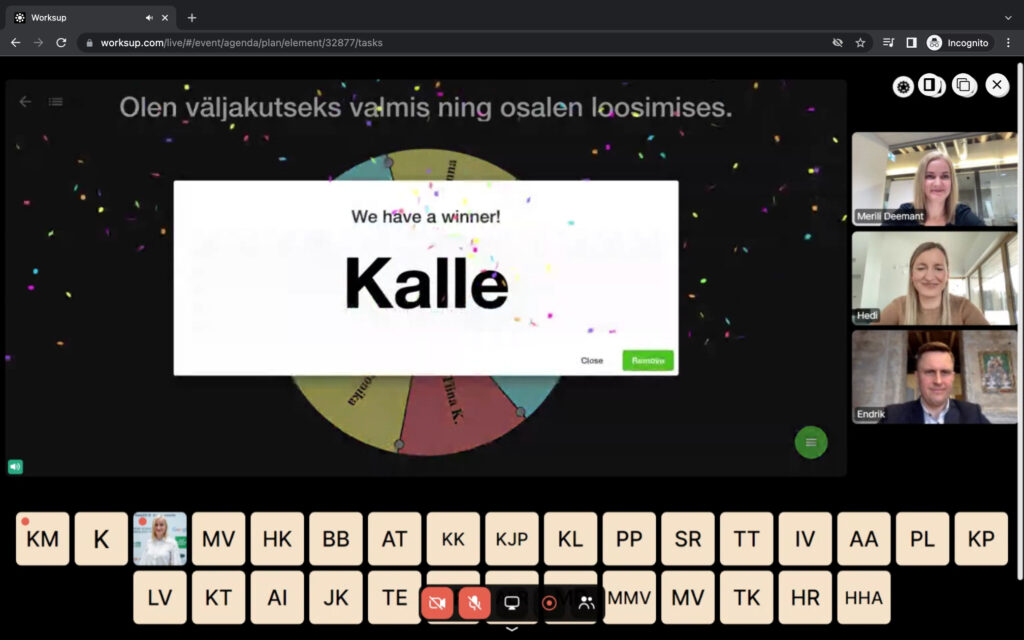
Use winning animations like quiz and raffle
Choose the winner by spinning the lottery wheel or simply awarding the fastest
The perks of adding virtual tools to your onsite event
Provides for more engaging content
Allow the audience to interact with the content via questions or polls during keynotes.
Create more excitement during the event
Give options for the audience to get competitive and add gamification elements to make the event more lively.
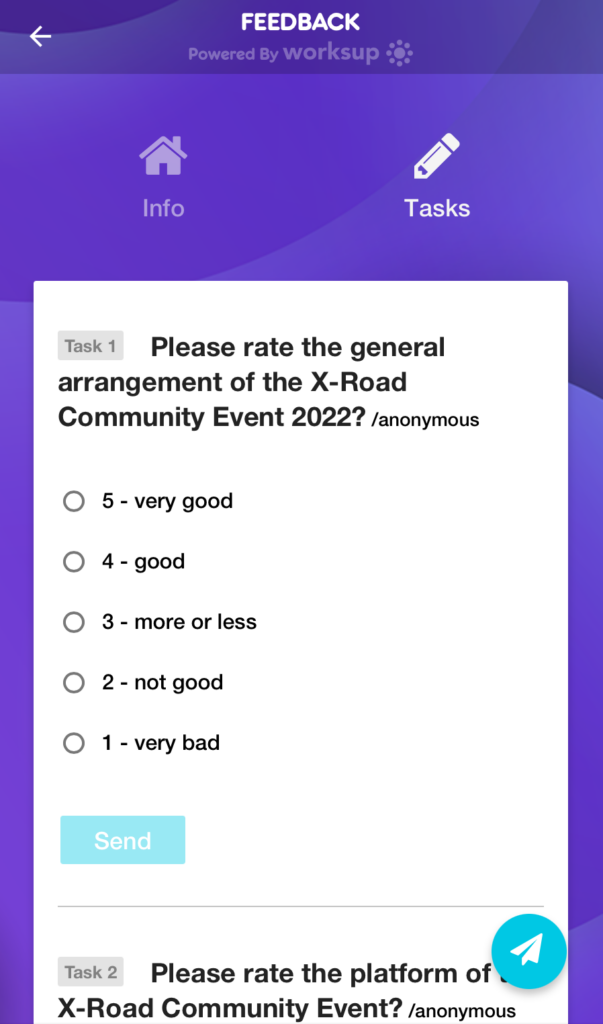
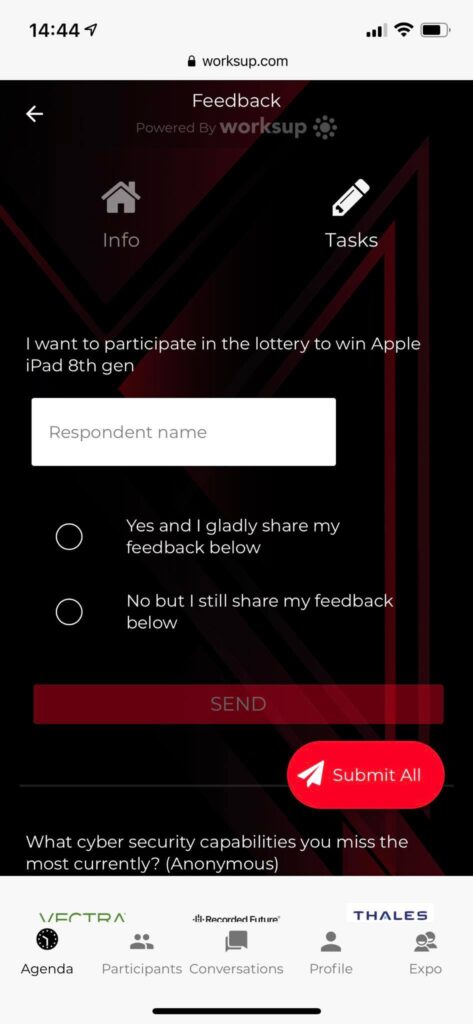
Ask for immediate feedback
Use the feedback feature onsite to ask for direct feedback from the participants before they leave the event.